
 Home >> Blog Details
How to Choose the Right Tech Stack for Your Website in 2026
 24 – Jan,2026 – Web Design & Development
 How to Choose the Right
Tech Stack for Your Website in 2026
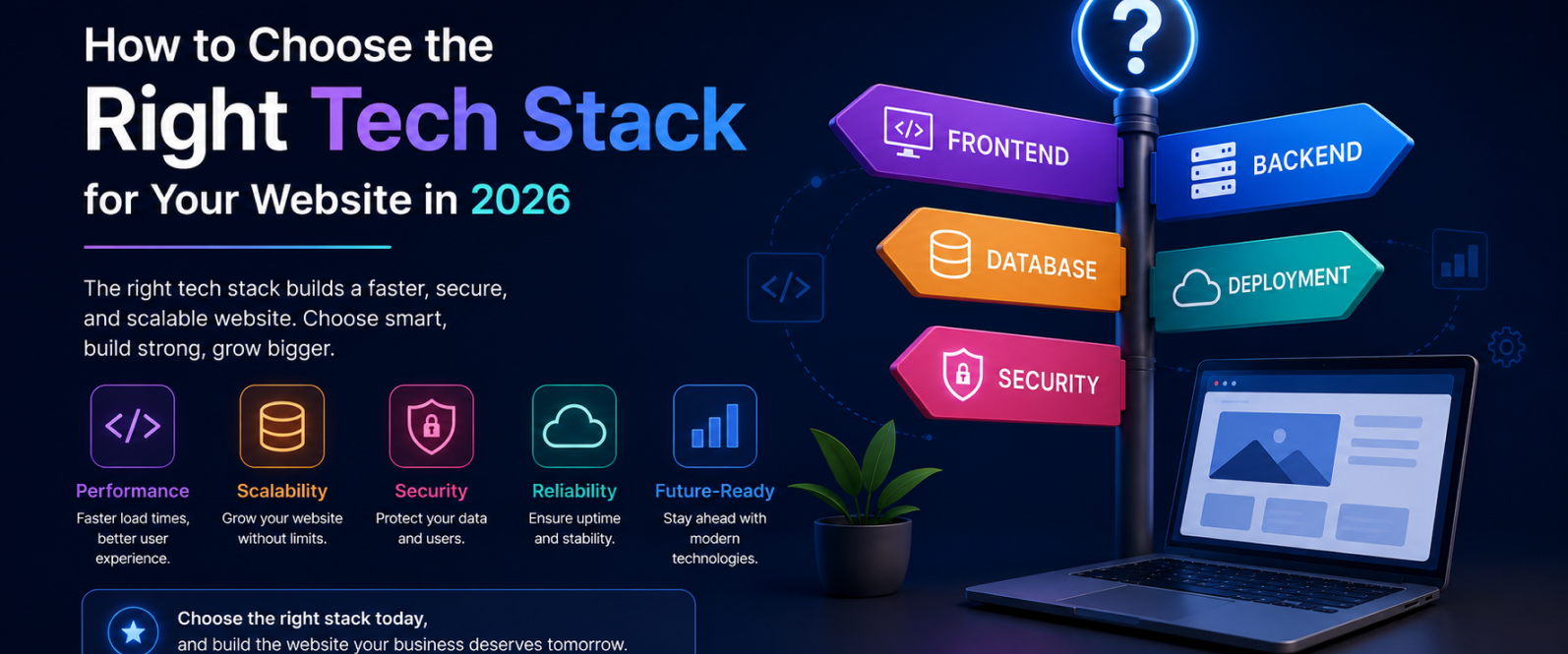
A website’s tech stack is the combination of front-end tools, back-end frameworks, databases, hosting, and content management systems used to build and run it. Choosing the right one depends on four factors: what the website needs to do, how fast you plan to grow, who will maintain it, and how important speed and SEO are to your business.
That’s the short answer. The rest of this guide breaks down exactly how to apply it, without the hype around any one framework or platform.
Great design means nothing if your backend breaks under pressure. So before you build a landing page, online store, portfolio, or SaaS platform, there’s one decision you can’t afford to wing: the tech stack underneath it.
This isn’t about picking WordPress because it’s popular, or React because everyone says it’s cool. It’s about matching tools to your goals, your team’s skills, your growth plans, and your content needs. Here’s how to break it down clearly, so you build smart from day one.
What Is a Tech Stack?
A tech stack is the set of tools and technologies used to build and run a website. It includes five core layers:
Front-end (what users see), HTML, CSS, JavaScript, React, Vue
Back-end (server-side logic), Node.js, Laravel, Django
Database (where data is stored), MySQL, PostgreSQL, MongoDB, Firebase
Hosting (where the site lives), Vercel, Netlify, AWS, DigitalOcean
CMS or framework (how content is managed), WordPress, Shopify, Webflow, Next.js
The goal isn’t to pick the most advanced tools available. It’s to choose a combination that works well together, fits your business needs, and lets your site grow without constant rebuilding.
Step 1: What Is the Website Actually For?
Before writing a line of code, define the website’s core function. Ask:
Is this a portfolio, blog, online store, or web app?
Will users need to log in or interact with content?
Will non-technical team members need to update the site often?
The answer changes the stack entirely. A few common matches:
Freelancer portfolio → Webflow or a simple WordPress build
Online store → Shopify or WooCommerce
SaaS product → React + Node.js + PostgreSQL
Blog with custom features → Next.js + a headless CMS
Step 2: What Is the Growth Plan?
A website expecting a few hundred visitors a month needs a different stack than one built for SEO-driven scale or thousands of daily visits.
If you’re just testing an idea, keep the stack lean and simple. If you’re launching with SEO or growth as a priority from day one, build scalable from the start. For long-term flexibility, modular stacks tend to win, for example, a headless CMS paired with an API-based back-end and a static front-end. This combination is fast, scalable, and built to evolve as the business does.
Step 3: Who Is Building It, and Who Will Maintain It?
A tech stack is only as good as the team that can support it. Before committing, check:
Does your team already know the tools you’re considering?
Can you easily hire freelancers or developers for this stack later?
Is the stack well-supported, with active documentation, community, and updates?
If something breaks and no one on the team knows how to fix it, that’s not a tech problem, it’s a planning problem. Choose what your team, or your agency, can manage with confidence.
Step 4: Do You Need a CMS?
If the website will involve regular blog posts, landing page updates, or ongoing content changes, a content management system is necessary. There are two main types:
Traditional CMS (WordPress, Drupal), easier to start with, strong for content-heavy sites
Headless CMS (Strapi, Sanity, Contentful), faster and more flexible, but needs a developer-friendly front-end to work properly
For performance-focused, scalable builds, a headless CMS is generally the better long-term choice.
Step 5: Prioritize Speed From the Start
Slow websites lose users, and they lose visibility in both traditional search and AI-powered search results. A well-built tech stack should support:
Fast load times (via static generation or server-side rendering)
Optimized images and assets
Code splitting
Minimal unnecessary bloat
Some of the strongest performance combinations in 2026 include Next.js with Vercel and Sanity, Astro with a headless CMS, and SvelteKit with Supabase. As a benchmark, aim for under three seconds load time, especially on mobile, Google’s Core Web Vitals and most AI search crawlers both weight this heavily.
Step 6: Don't Skip Security, SEO, and Maintenance
A tech stack isn’t finished once it’s fast and functional. It also needs to:
Run on HTTPS by default
Protect against common attacks like SQL injection and XSS
Offer solid SEO support, proper meta tags, structured data (schema), and fast indexing
One common mistake: choosing a flashy front-end framework that looks great in a demo but hurts SEO because it isn’t configured for server-side rendering (SSR) or static site generation (SSG). Search engines and AI crawlers both need to be able to read your content directly, if your stack renders everything client-side with no fallback, that content may be invisible to both.
Step 6: Don't Skip Security, SEO, and Maintenance
A tech stack isn’t finished once it’s fast and functional. It also needs to:
Run on HTTPS by default
Protect against common attacks like SQL injection and XSS
Offer solid SEO support, proper meta tags, structured data (schema), and fast indexing
One common mistake: choosing a flashy front-end framework that looks great in a demo but hurts SEO because it isn’t configured for server-side rendering (SSR) or static site generation (SSG). Search engines and AI crawlers both need to be able to read your content directly, if your stack renders everything client-side with no fallback, that content may be invisible to both.
FAQ Section
What exactly is a tech stack, and why does it matter?
A tech stack is the set of tools used to build and run a website, from the front-end to hosting. Picking the right one affects performance, scalability, and how easily the site can be updated down the line.
How do I choose the best tech stack for my website type?
Start by defining what the site needs to do, portfolio, store, blog, or app, then match that to a proven combination, such as Webflow for portfolios, Shopify for stores, or React with Node.js for SaaS products.
Should I use a headless CMS or a traditional CMS?
Choose a traditional CMS like WordPress if you want a faster, simpler setup for content-heavy sites. Choose a headless CMS like Sanity or Content ful if you need better performance and flexibility and have developer support available.
What makes a tech stack "fast"?
Speed comes from static generation or server-side rendering, optimized images, code splitting, and minimal bloat. Stacks like Next.js with Vercel are built specifically around these performance factors.
What should I ask before finalizing a tech stack?
Confirm what the site needs to do, how much traffic growth to expect, whether your team can maintain the chosen tools, whether a CMS is required, and whether the stack supports speed, security, and SEO out of the box.
Ready to Get Ready to Build on the Right Foundation??
Choosing a tech stack shouldn’t feel like a guessing game. Innovahub helps businesses across Dubai and beyond match the right tools to their goals, so the website performs today and scales tomorrow.